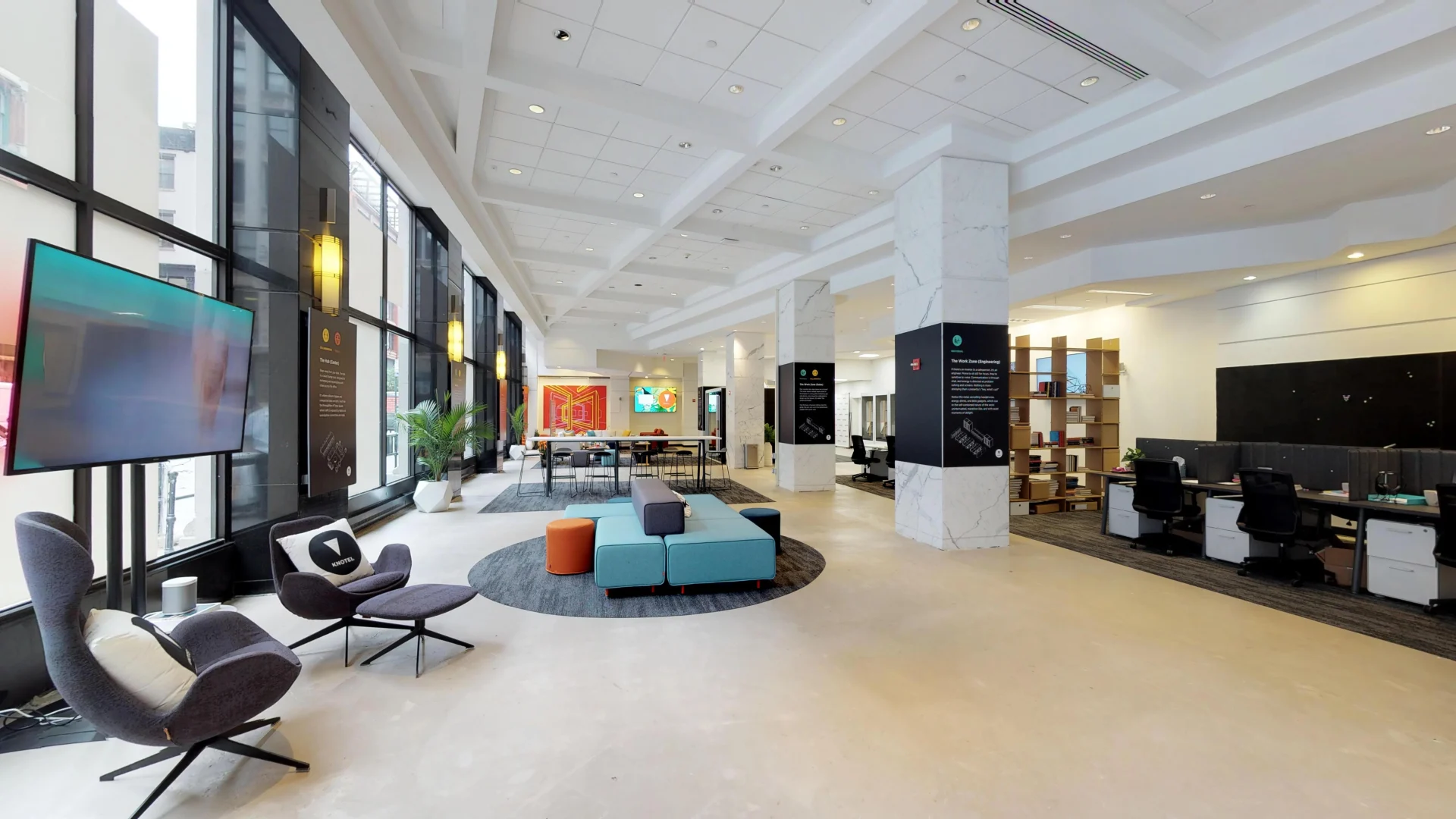
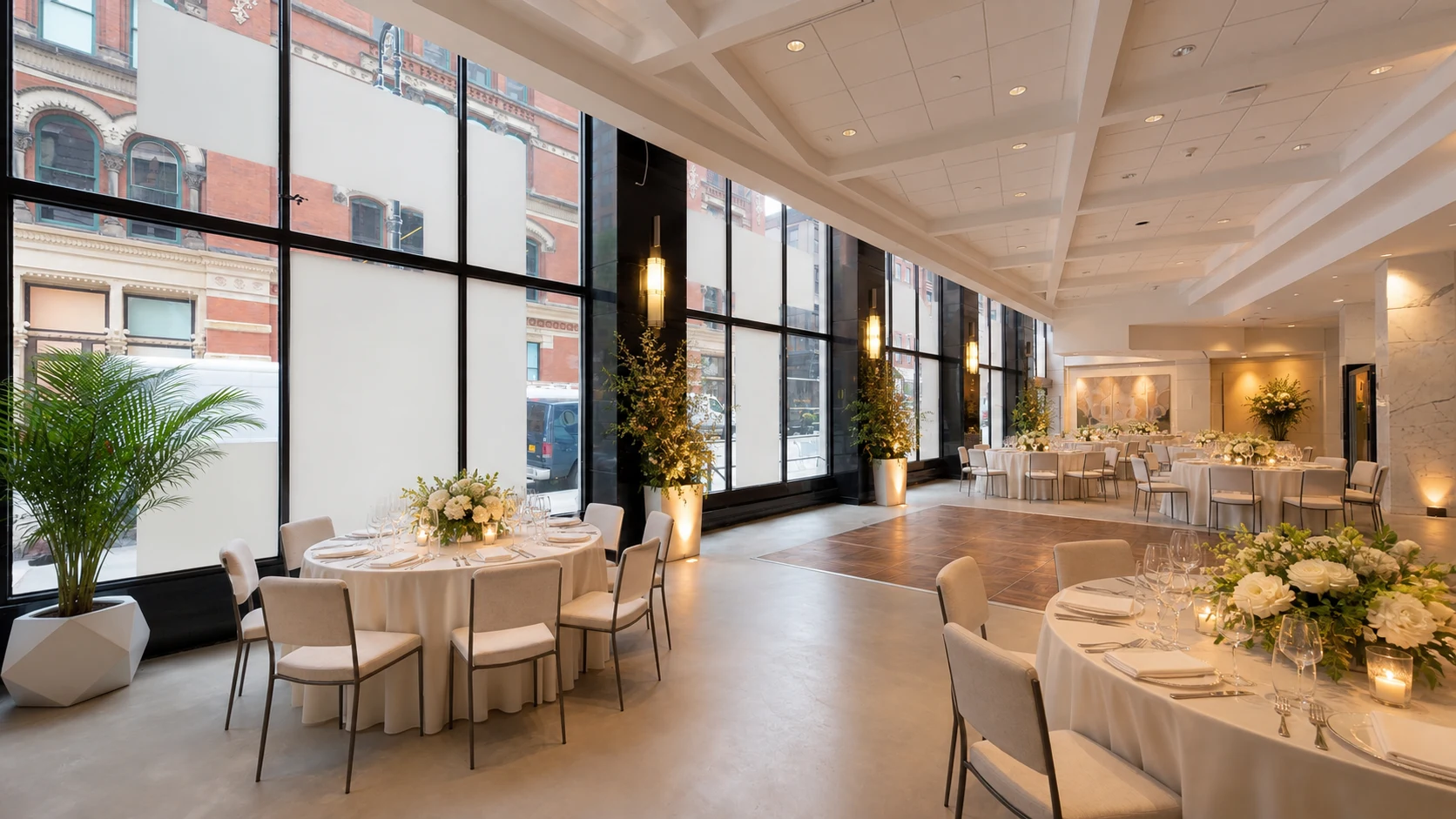
The real 666 Broadway event space shown in an illustrative evening reception configuration

Frontiers|3D for event venues

Your venue is ready before they arrive.

Turn your 3D tour into a 24/7 planning room—where prospects can understand the space, ask questions, explore together, request a date, and take the next step.

Enter the interactive showcase
Available to explore now

One space. Many possibilities.

Let them see the room their way.

Bring multiple staged possibilities for the same real venue into one presentation. A planner can compare ceremony, cocktail, and reception ideas without opening another tab—or booking another walkthrough.

The same real 666 Broadway venue shown in an illustrative reception configuration
Illustrative staging · real venue source

Saved configuration

Reception

A complete evening configuration

Compare layouts

Show the room their way.

Move from ceremony to reception without opening another tour or arranging another walkthrough.

01 / 03

The proof is live

Let planners step inside the real thing.

This is where a published Frontiers|3D venue presentation becomes the proof point: a prospect can explore it, use its interactions, and understand the difference without a sales explanation.

Featured live presentation

Preparing the live venue demo.

Looking for the current published event-venue presentation.

Feature a venue presentation

The venue answers back

Questions become momentum, not email threads.

Give planners an Ask AI concierge grounded in the details you approve: capacities, policies, access, amenities, preferred vendors, and planning documents.

Venue Concierge

Answers from your approved venue information

Can this room support dinner and dancing?
Venue answer

Yes. Open the Reception scene to show the dinner layout, dance floor, stage position, and the guest path through the room together.

Continue to date request
Ask about this venue...

The remote planning room

Walk it together. From wherever they are.

Live voice

Shared view

Annotation

Live chat

Remote planning group viewing an illustrative reception configuration of the real 666 Broadway space
Live · Ballroom

Planning room chat

One host. Up to eight guests. One shared venue.

Venue host

I’ve moved everyone to the ballroom entrance.

Avery · Planner

Can you mark where the welcome table would go?

From interest to intent

Keep the next step inside the experience.

The presentation can carry a prospect from first look to a qualified date request—and, when you’re ready, to a Stripe deposit action you control.

Controlled conversion

A deposit action—without pretending availability is automatic.

Your team confirms the date and terms. The approved prospect can then open the venue’s Stripe payment action from the presentation.

The real 666 Broadway space used as a visual reference for staff orientation
Setup briefing

Bookmarked spatial annotation

Arrival point → setup zones → saved team instructions

One presentation. Two jobs.

Sell the front of house. Prepare the team behind it.

Reuse the venue presentation for catering orientation, service-route walkthroughs, setup notes, and lightweight knowledge checks—without turning the guest-facing story into a training manual.

Staff check · 1 of 3

What should event staff verify before setup begins?

The venue that never closes

Make the space easier to understand—and easier to choose.

Start with the 3D tour you already own, or connect with a capture professional who can create the foundation.

Already have a twin?

Add the interactive presentation layer.

Have the ideal demo?

Feature the real venue as the showcase.

Ready to sell?

Connect planning intent to your next action.